

Connect Zite
1
Add Zite Database
Open a workflow in n8n, select +, and search for Zite Database. If it isn’t installed, ask your n8n instance owner to install the verified integration.
2
Connect your account
Set up a credential using an API key from Zite’s Developer settings. Keep it private.If your organization stores its data in a different region, choose the matching Base URL in the connection settings.
3
Choose an event or action
To start with a database change, add the Zite trigger and choose an Event Type, such as New Record. Select the Base and Table to watch.To work with data after another step, choose a Zite action such as Create or Update under Record.
4
Test the workflow
Add the next action, such as a Slack message. Test with a sample record and check the result in both tools before publishing or activating the workflow.
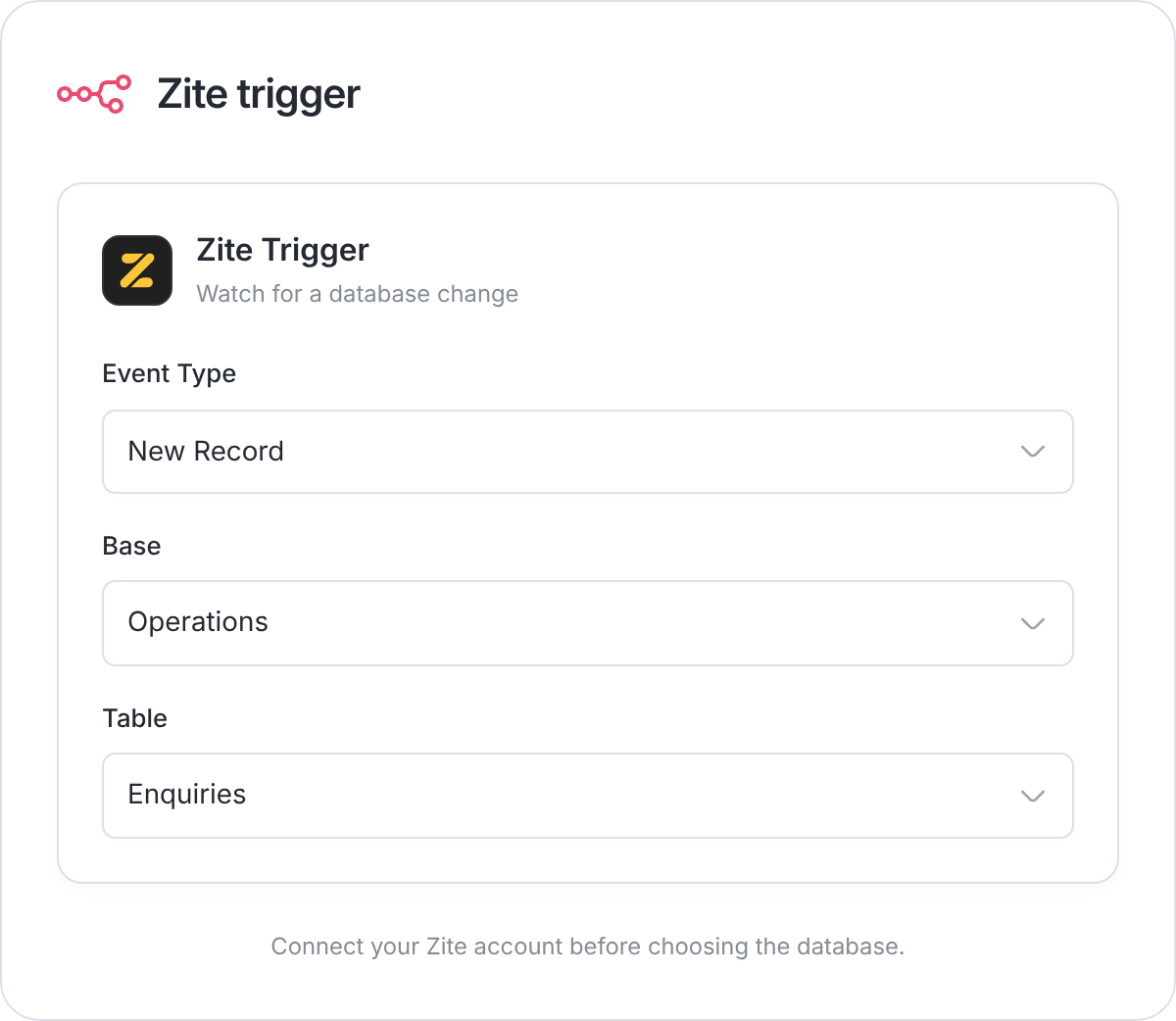
Example: watch for new enquiry records.
What you can automate
- Start with a change: New, updated, or deleted records, tables, or fields.
- Find records: Read a list, find one record, or search by a field value.
- Change data: Create, update, or delete records.
- Find tables: List the tables in a database or select one table.
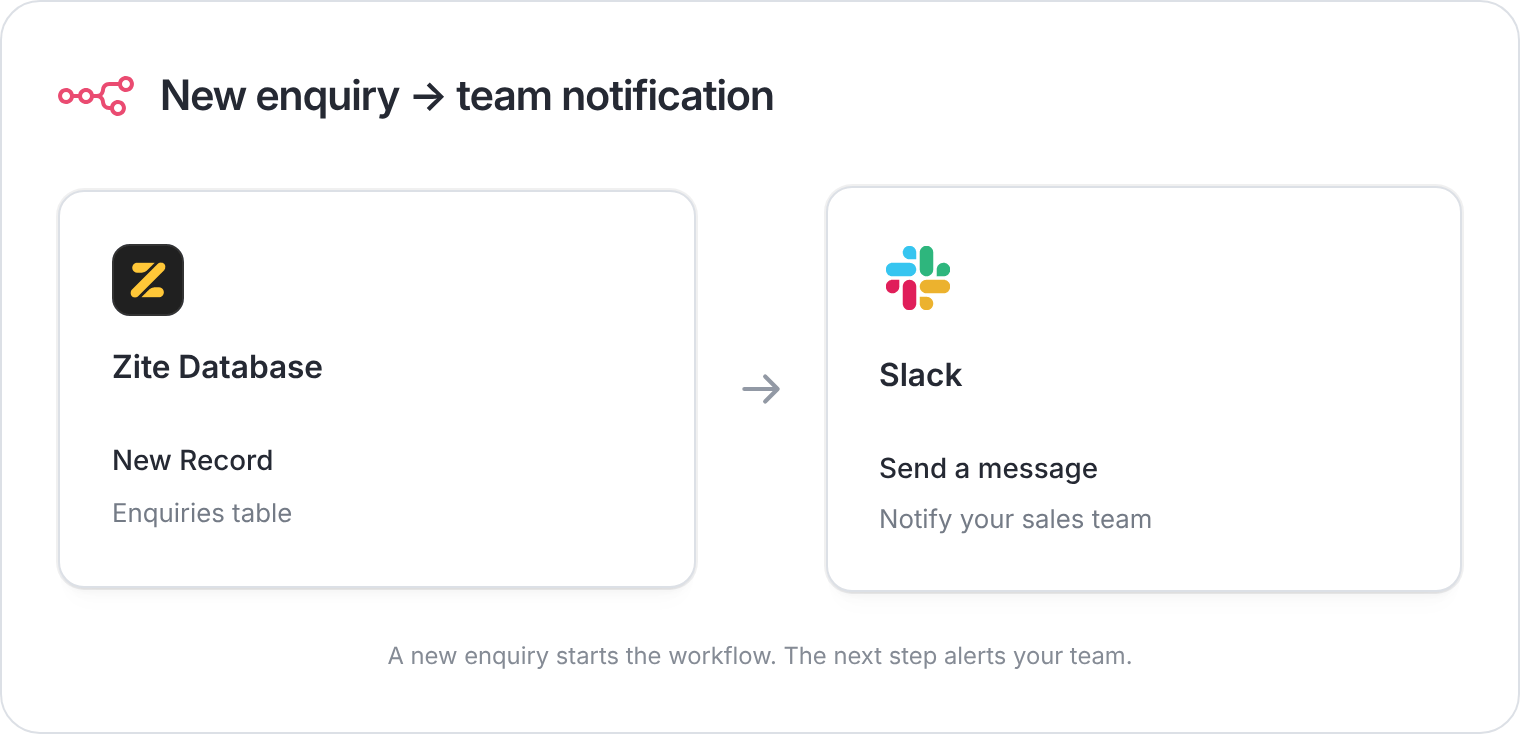
Example: let your team know when a new enquiry arrives.
Check failed runs
Open the workflow’s execution history in n8n and inspect the failed step.- Confirm the connected account, data region, Base, and Table.
- Check that incoming values match the destination fields.
- Before retrying, check whether an earlier step already created a record or sent a message.