

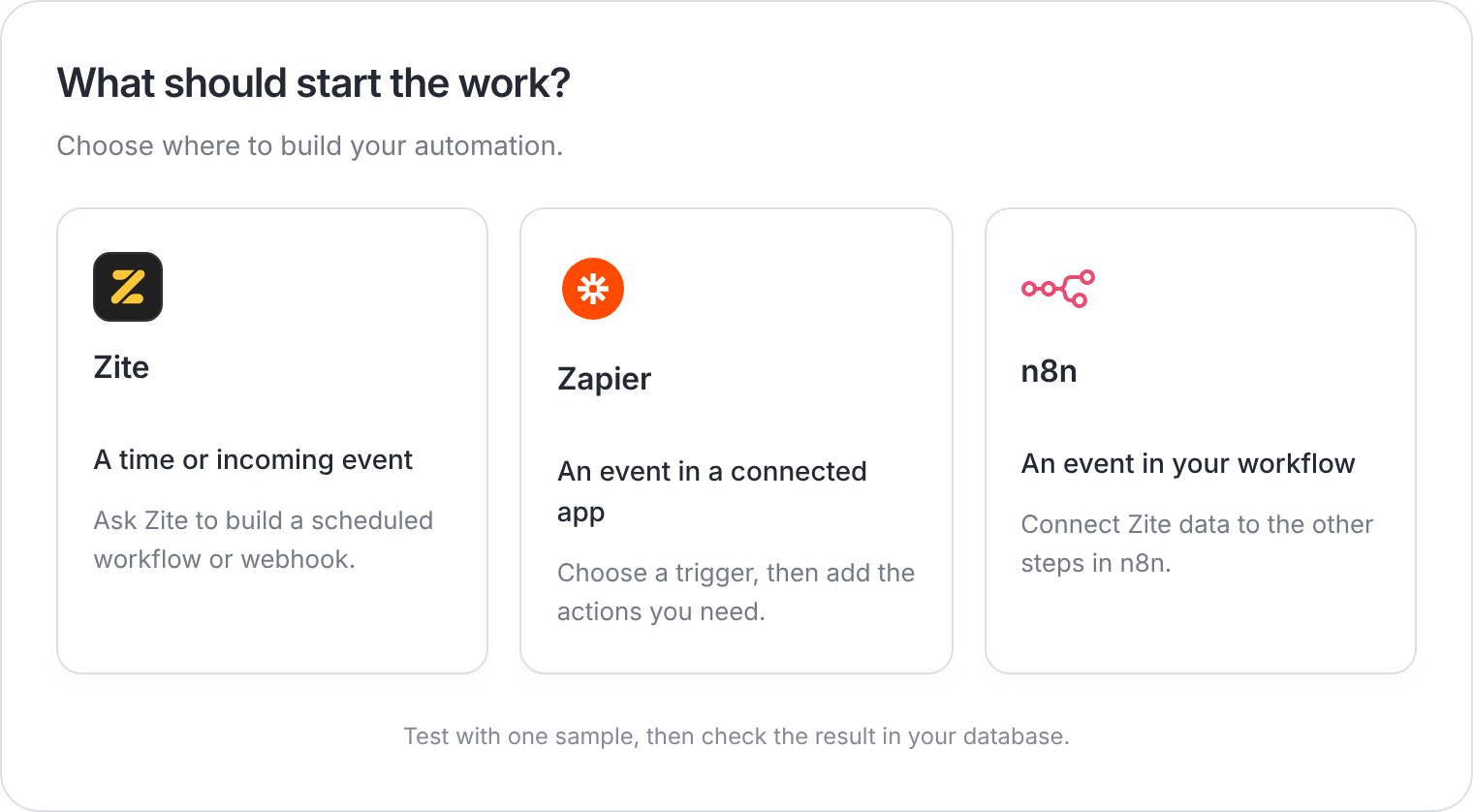
Three ways to automate work with your Zite database.
Choose an automation tool

App schedules and webhooks
Ask Zite to run work at a set time or when another tool sends an event.

Zapier
Connect a Zite database to other apps with a trigger and actions.

n8n
Add Zite records and database events to a workflow you build in n8n.
Start with one business task
An app webhook receives events from another tool. A database trigger in Zapier or n8n starts with a change in Zite.
Test the whole connection
- Use a sample record or submission.
- Check the destination table and match each incoming value to the right field.
- Run a test, then confirm the record or notification exists.
- Publish or enable the automation and check its run history.