

The date range shown in Zite is the range available for your database. It can be shorter for a new database or after a restore.
Because named backups do not expire, a deleted record’s file can stay stored as long as an older backup contains it. See Delete uploaded files to permanently remove attachments.
Open backups
Open Database, then select the clock (Backups) button in the Zite database header. Backups are available on all plans, including Free. You need edit access to the database. Only Zite databases have backups. Connected Airtable or Google Sheets data does not.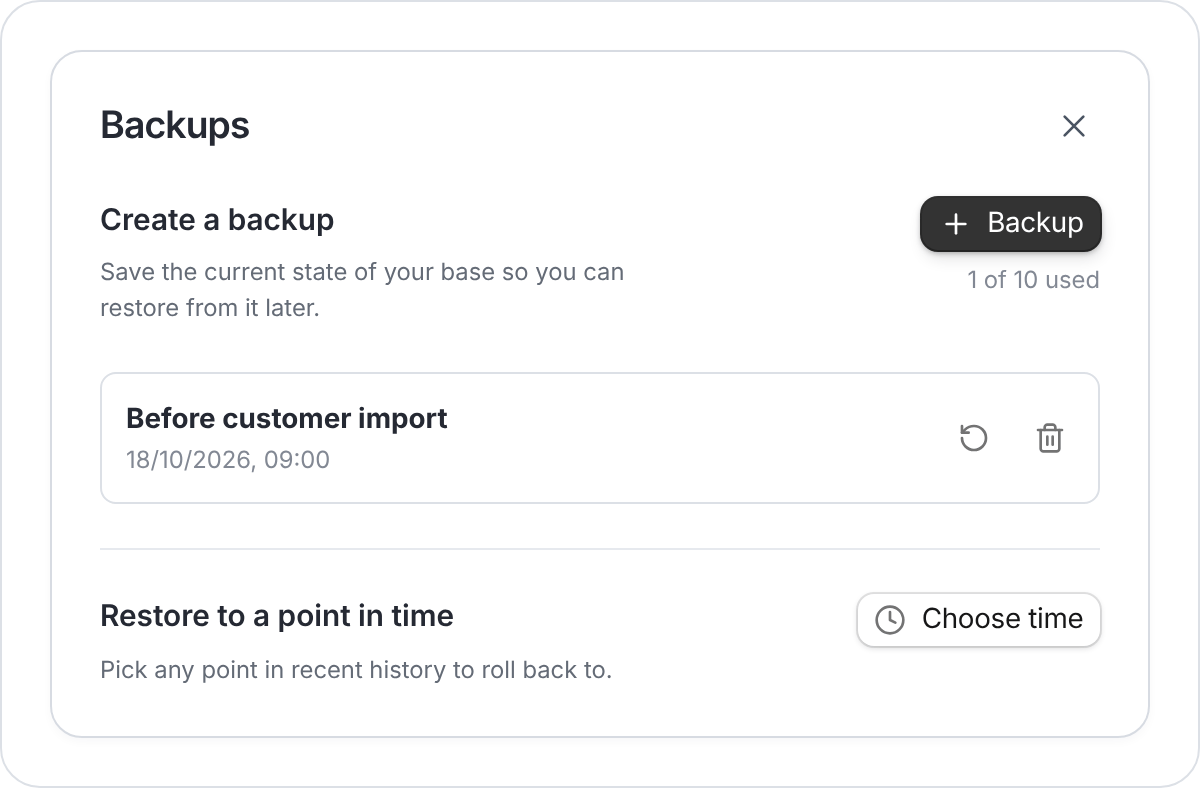
Save a named backup or choose a recent moment to recover.
Create a backup
Select Backup, enter a name such as “Before customer import”, then select Create backup. At the 10-backup limit, delete an old manual backup before creating another.Restore from a backup
Restoring shows a preview and makes a safety backup first.- Find the saved backup and select its Restore backup icon.
- Review the tables and records in the preview.
- Select Restore this version, then confirm Restore.
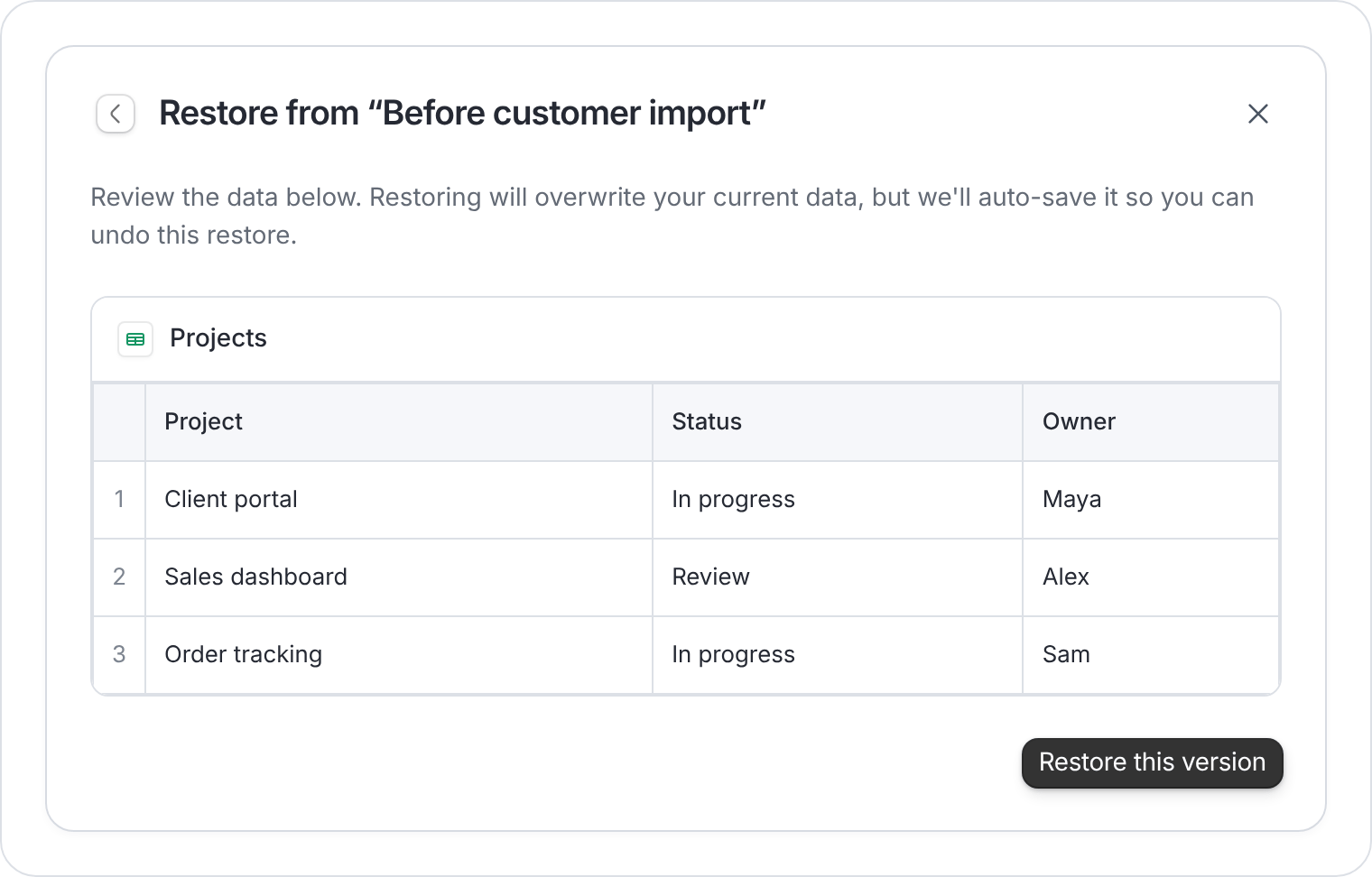
The preview lets you check the saved version before replacing current data.
Restore to a point in time
Select Choose time, pick a date and time within the available range, then select Preview. Review it and use Restore this version if it is the version you need.Undo a restore
Zite auto-saves the database just before restoring. Open Backups and restore that auto-saved version to undo your latest restore. Only the most recent undo backup is kept.Check connected apps and forms
Database restoration does not roll back your app or form design. Test connected apps, forms, and workflows after restoring, particularly if fields or tables changed.These backups are for restoring inside Zite. For an offline copy of your records, export your tables as CSV and download attachments separately.
FAQs
Why don't I see Backups?
Why don't I see Backups?
Check these common causes:
- You have read-only access. You need edit access to the database.
- The data is in Airtable or Google Sheets. Only Zite databases have backups.
- The database is older and has not been upgraded yet. Use Upgrade database when Zite shows Upgrade your database to the isolated architecture to enable backups.