

Duplicate a table in the same database
- Open Database and select the table.
- Open … (Table options) beside its name at the top.
- Select Duplicate table. Zite creates and opens the copy.
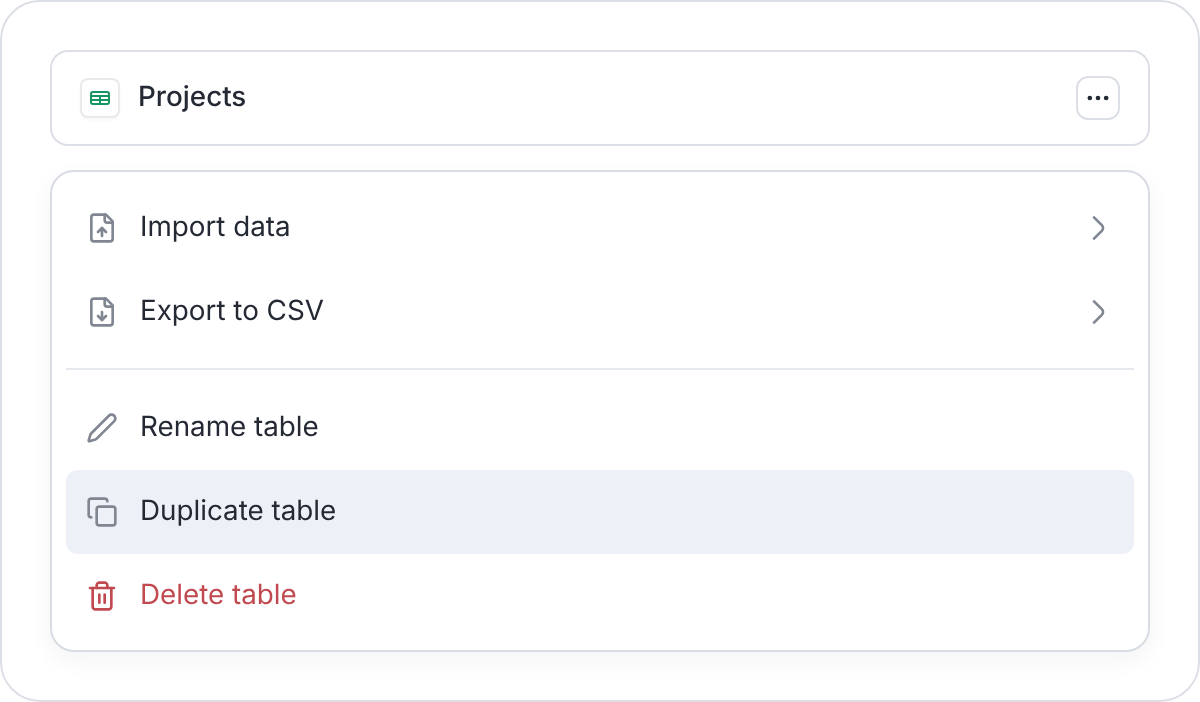
Copy a table from its menu.
Links to other tables still point to records in those tables. Duplicate the workspace if you need a separate database for a client or test system.
Duplicate an entire database
In a new workspace, duplicate the workspace to copy its database:- Open the workspace’s Overview, select … (Workspace options) beside its heading, and choose Duplicate.
- Enter a New name and choose the apps and forms to include. The database is always included.
- Turn on Copy database records to include existing data. Leave it off to start with empty tables.
- Select Duplicate, then open and check the copy.
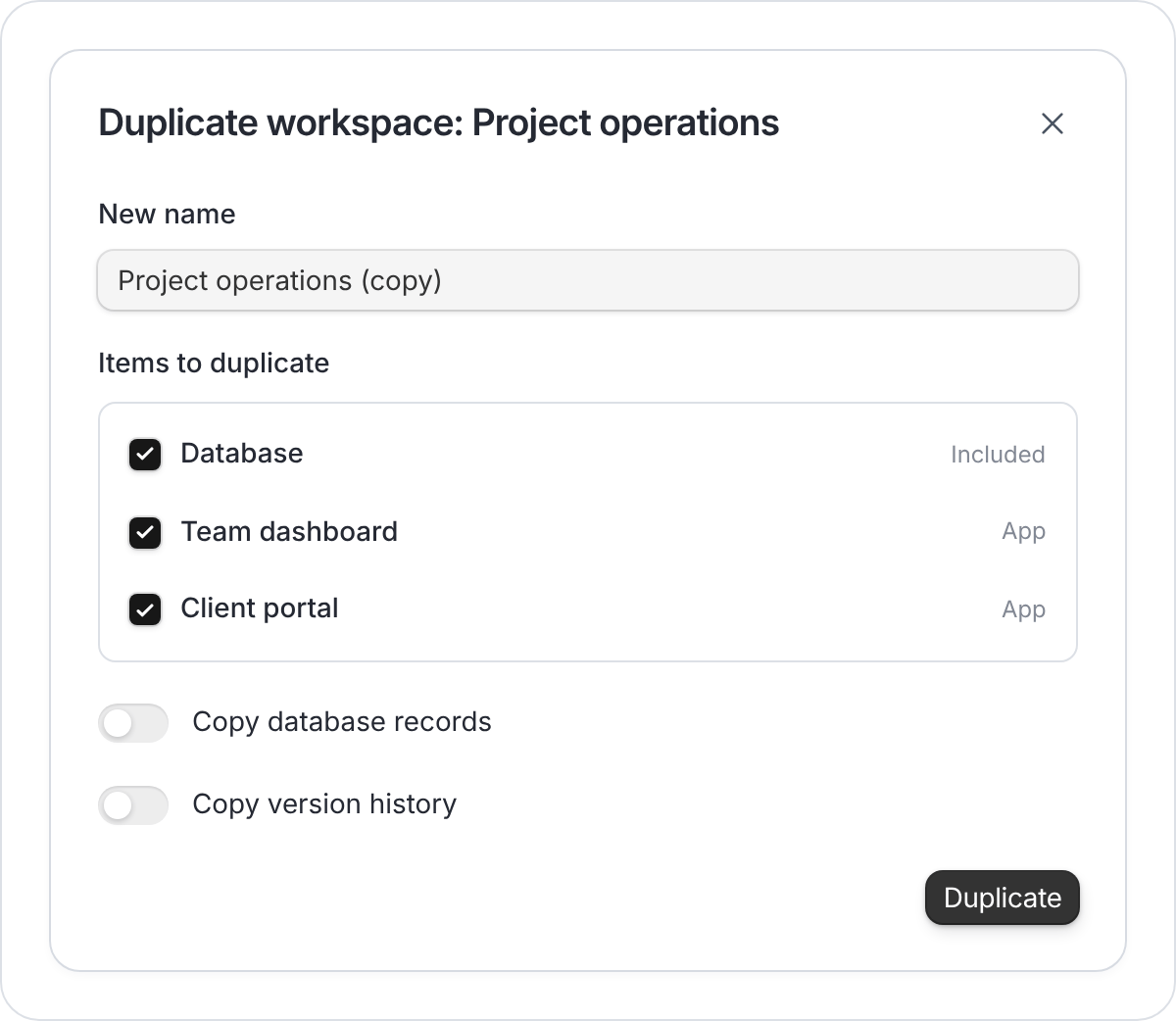
Leave records off to reuse the structure as a template.