

What can you calculate?
Create a formula
1
Add the field
Select Add field → Formula. Enter a clear Title, such as Order total.
2
Describe the calculation
Select Generate with AI and describe the result you need using your exact field names. For example:
Multiply Quantity by Unit price. If either field is empty, leave the result blank.Select Generate. Zite places the generated formula in the editor for you to review.
3
Create and check the result
Select Create. Check a few records, including one with an empty input, to make sure the calculation behaves as expected.Open Edit field to adjust it later. Where available, use Formatting to change how numbers, currencies, percentages, or dates appear.
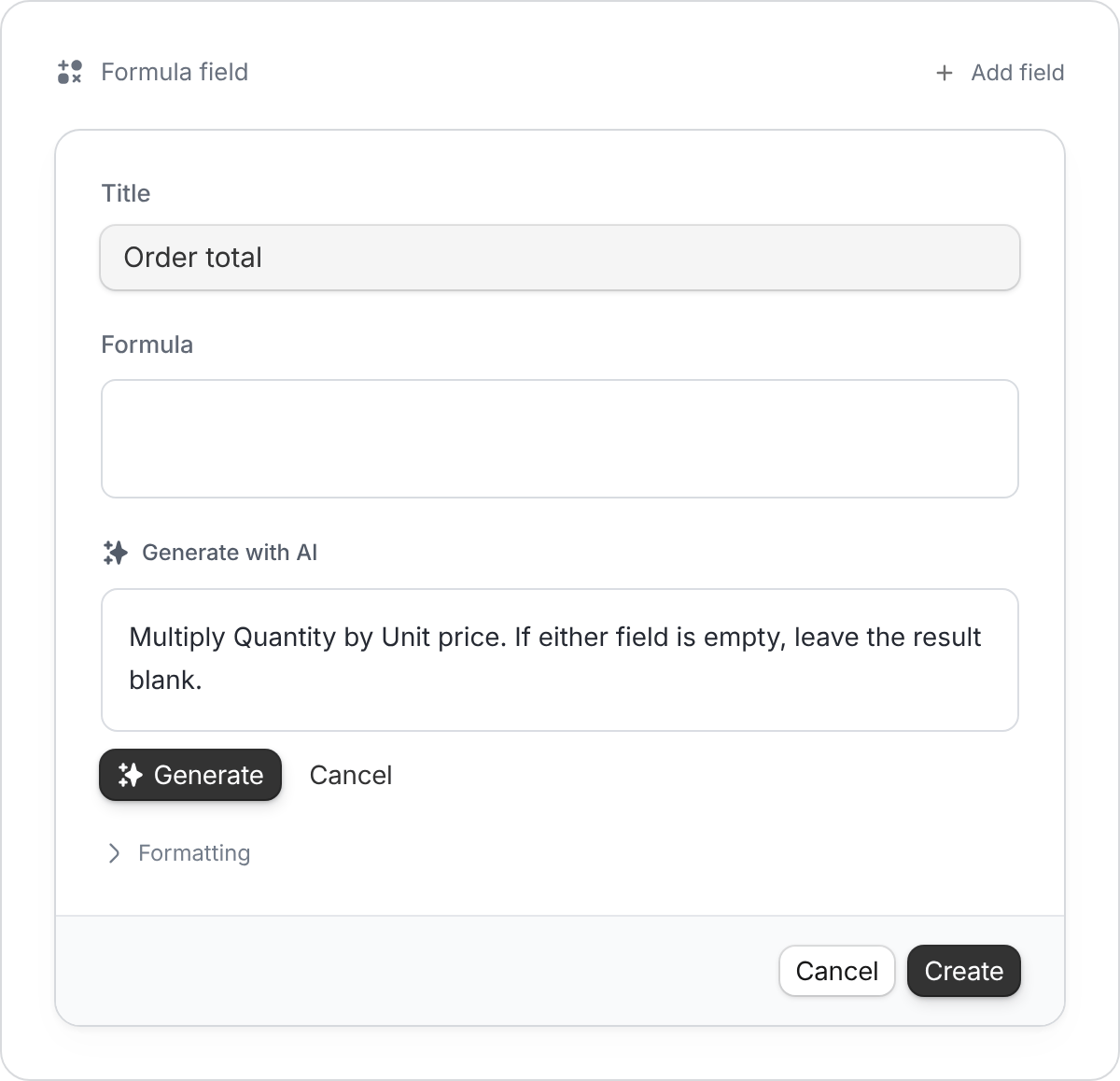
Use your field names and explain what should happen when information is missing.
Choose the right field
- Formula: Calculate or format a result using a rule.
- Lookup: Show a value from a linked record, such as a customer’s email.
- Rollup: Summarize linked records, such as the total value of a customer’s orders.
- AI field: Interpret or generate content, such as a summary of meeting notes.
A formula returns a value. It doesn’t send a message or change another record. Use a workflow when you want an action to happen.