

Before you start
Add a Link to table field and select the related records. For an order’s customer email, the order must already link to the right customer.Add a lookup
- In the table where you want to show the value, select Add field → Lookup.
- Enter a Title, such as Customer email.
- Under Relations, select your linked-record field, such as Customer.
- Under Field to lookup, choose the source field, such as Email.
- Select Create.
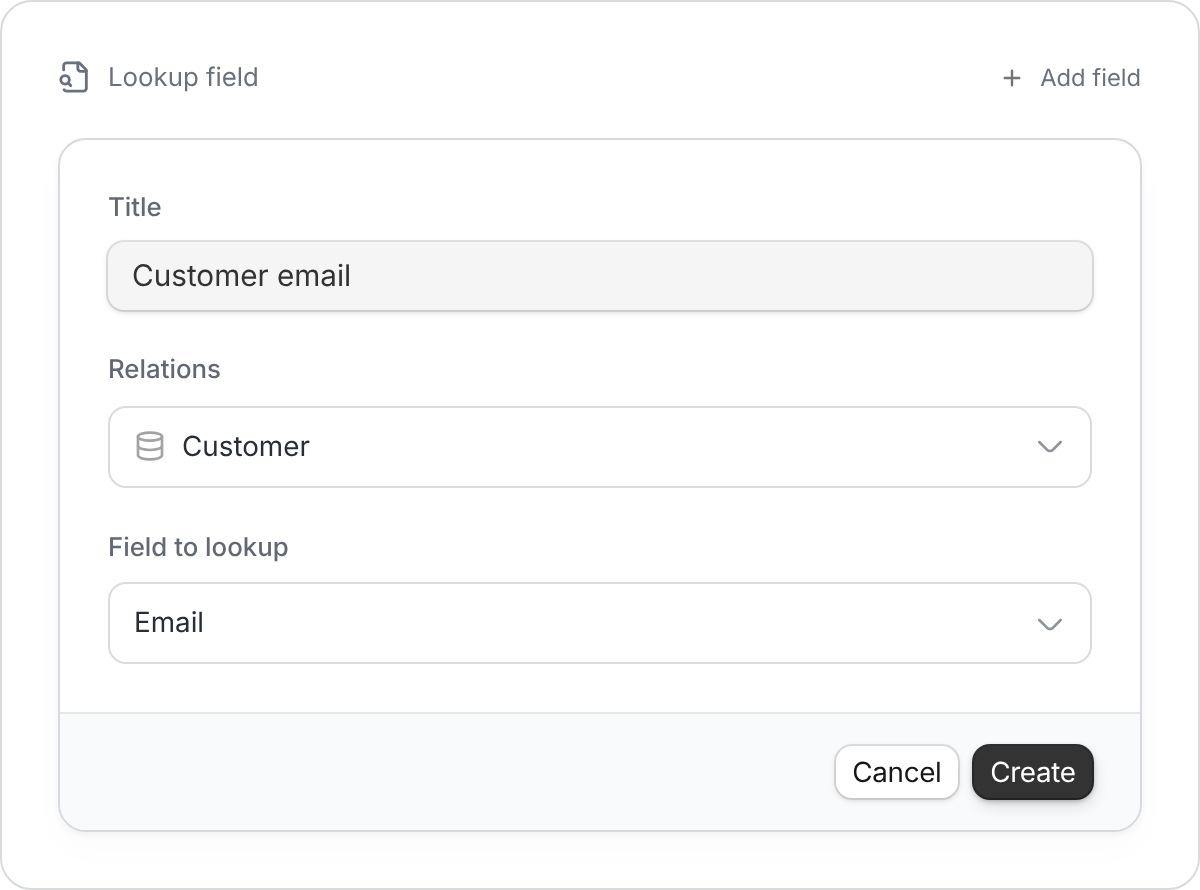
Choose the relationship first, then the value you want to display.
Common uses
- Orders: Show the linked customer’s email or delivery address.
- Projects: Show the linked client’s account manager.
- Inventory: Show a product’s supplier details on purchase orders.
If the result is blank or wrong
- No linked record: Select a record in the Link to table field first.
- Empty source: Check that the chosen field has a value in the linked table.
- Wrong value: Check both the selected relationship and the field being looked up.
A lookup follows existing links. It doesn’t search another table for matching text or create links automatically. Edit the original value in the source table when it needs to change.