

Add an Autonumber field
- Select Add field → Autonumber.
- Enter a Title, such as Order number.
- Select Create.
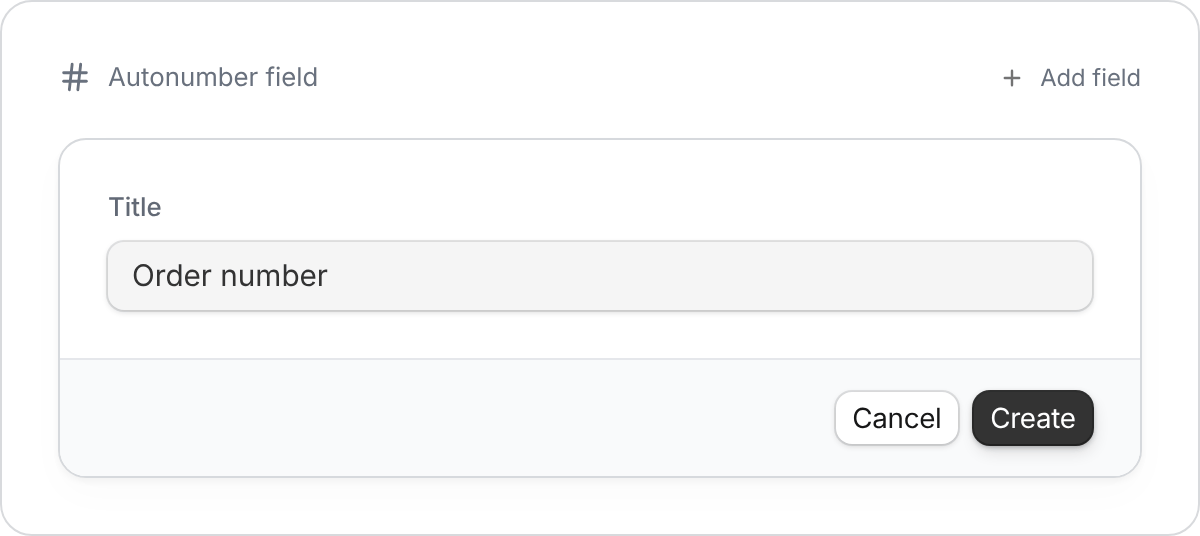
Zite supplies the number for existing and new records.
Numbers can have gaps, for example after records are deleted. Use them as references, not as a count of the records currently in your table.
Add a prefix or leading zeros
Keep the Autonumber field, then add a separate Formula field:- Select Add field → Formula and name it Order reference.
-
Select Generate with AI and describe the format:
Use Order number to make a reference beginning with ORD- and at least three digits. For example, number 1 should show as ORD-001.
- Select Generate, then Create. Check a few records to confirm the format.
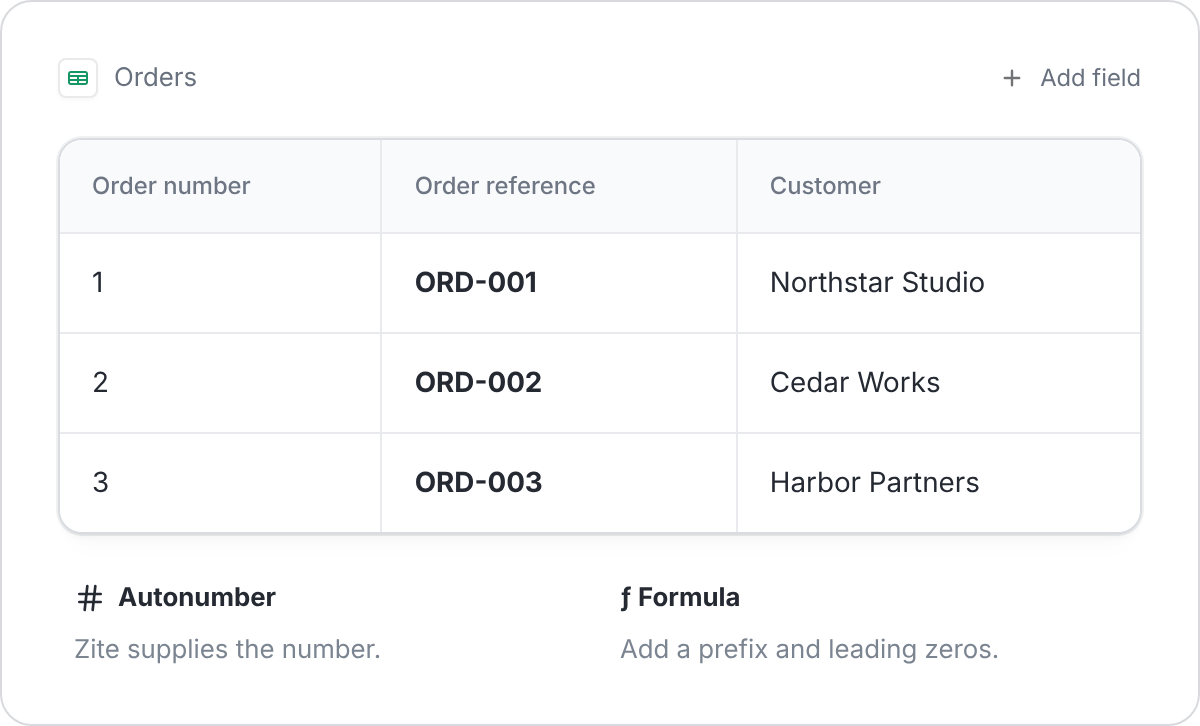
Keep the original number and use a formula for the readable reference.