

You need permission to create workspaces in your organization, and room within its workspace allowance. If you cannot create a workspace, ask an organization admin to check your access or plan.
Create your workspace
1
Open Create workspace
On Home, select New, then Workspace. Or select + next to Workspaces in the sidebar. Searching New database opens the same dialog.
2
Select New workspace
Select New workspace.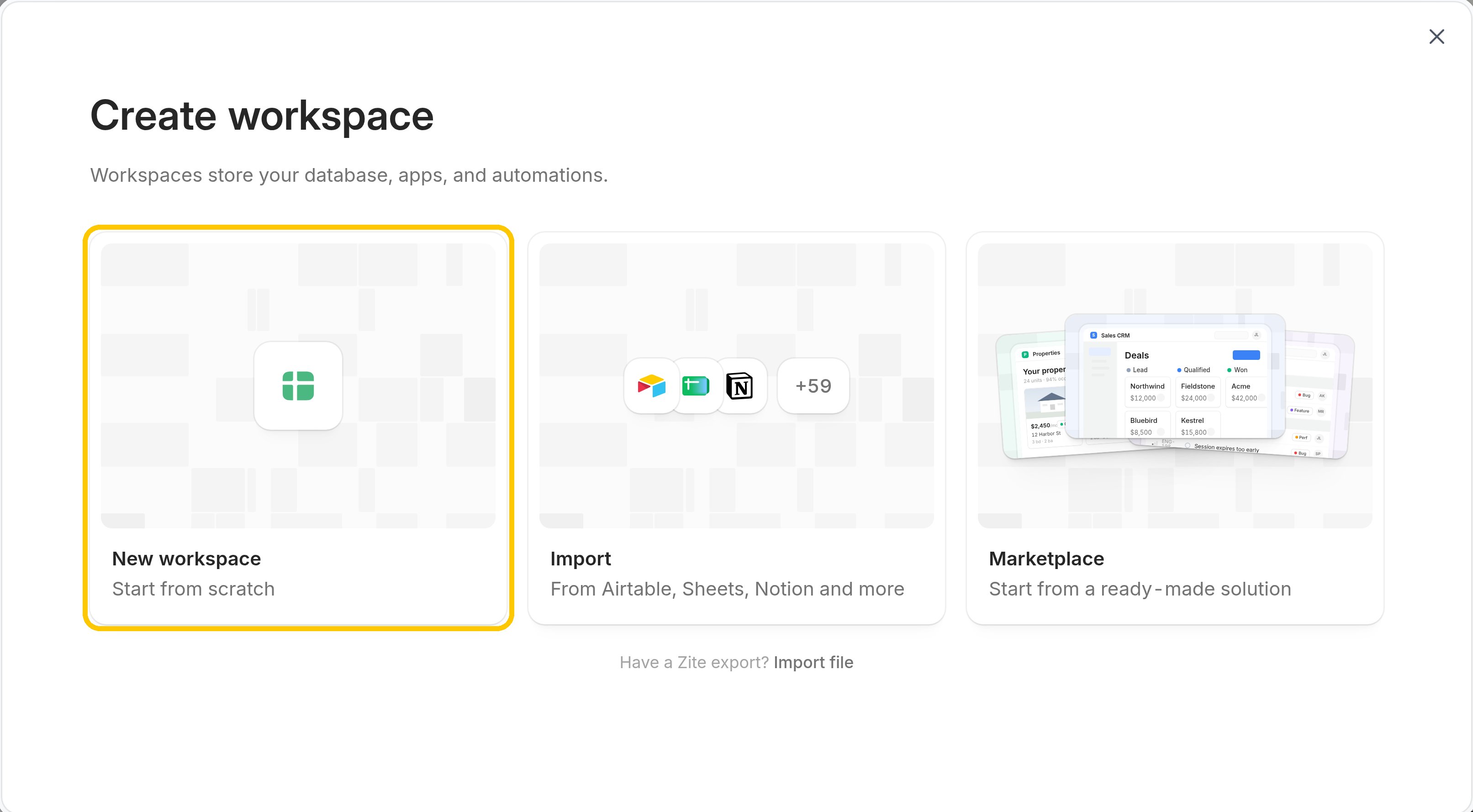
3
Name the workspace
Type a name, then select Create workspace.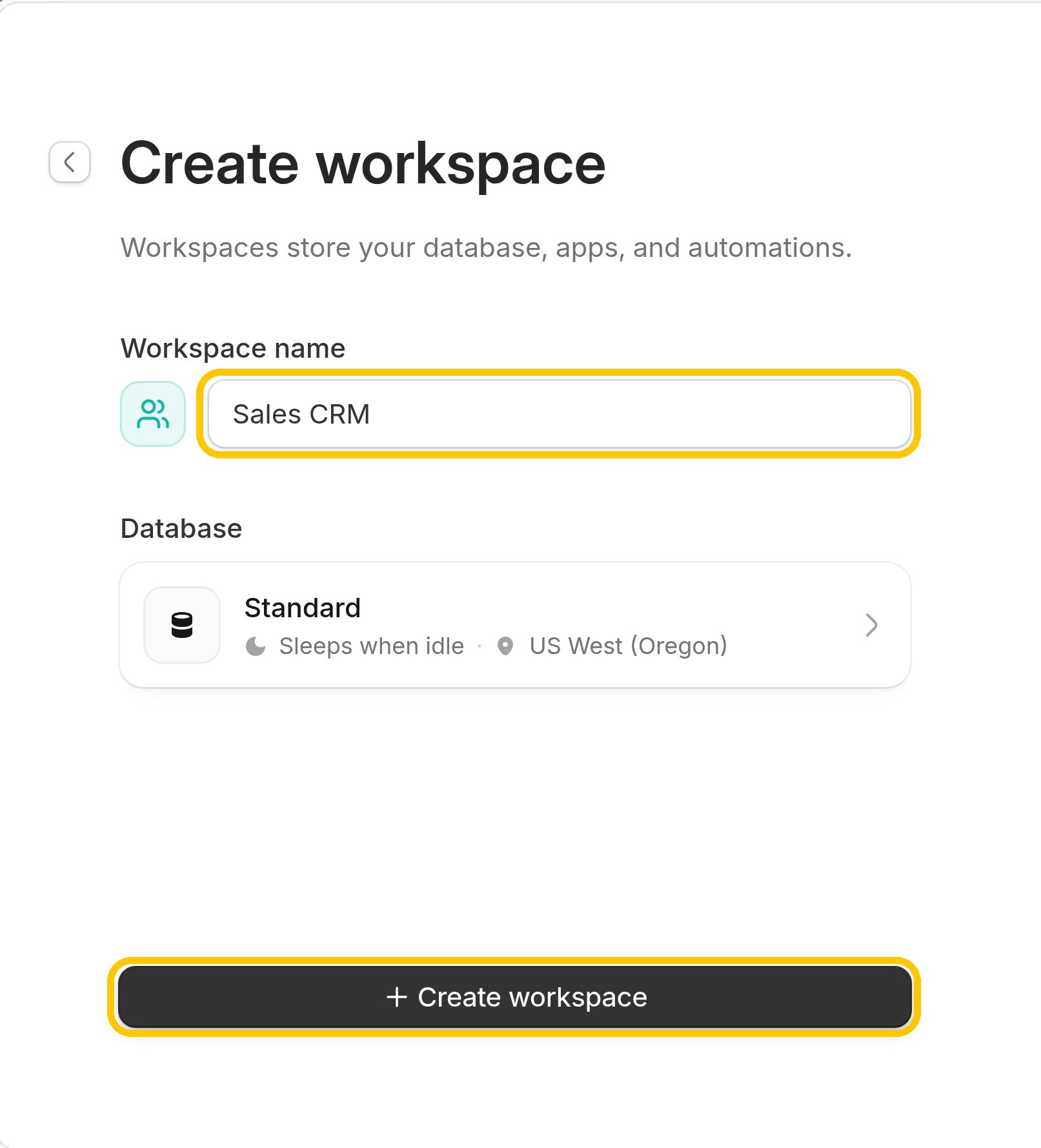
4
Describe the data you need
In the workspace chat, name the tables, fields, and relationships you want. Say whether to include sample records. For example:
Set up Customers and Deals tables for our sales team. Each deal needs a name, customer, value, stage, and close date. Link each deal to a customer. Start with empty tables.Or open Database, select + beside the table tabs, then choose New table. Use Add field to add its columns. See Manage fields.
5
Check the structure
Open Database and review:
- Field types: Use dates for deadlines, numbers for amounts, and select fields for statuses.
- Relationships: Check that linked records point to the right table.
- Records: Add a few test records and make sure the fields capture what you need.
Put the database to work
- Create views: Save a filtered list, such as open deals or projects due this week.
- Build an app: Ask Zite for a dashboard or portal that uses these tables.
- Collect data: Connect a form to the table where responses should go.
- Invite your team: Choose who can edit the workspace and who only needs to use its apps.
A view shows the same underlying records. Editing or deleting a record in one view changes the record everywhere it is used.
Common questions
Can I have more than one database in a workspace?
Can I have more than one database in a workspace?
No. Each workspace has one database. Create a new workspace when you need a separate database.
How do I add tables to an existing database?
How do I add tables to an existing database?
Open the workspace and select Database. Describe the tables in chat, or select + beside the table tabs and choose New table. To import records, choose a source under Import from. See Import your data.
Who can change the database?
Who can change the database?
You need edit access to the workspace. Permission to use one of its apps does not let you change the database structure.
How do I import a Zite export?
How do I import a Zite export?
In the Create workspace dialog, under Have a Zite export?, select Import file. See Duplicate, export, and import.
How does attachment storage work?
How does attachment storage work?
Per-file upload size and total attachment storage follow your plan. See Database storage.