

Business systems you can build
The Solutions Marketplace has examples you can copy and customize. You can also describe what you need to Zite and build from there.Sales and customer relationships
Track contacts, companies, deals, and sales follow-ups.
Hiring and recruitment
Publish open roles, collect applications, review candidates, and manage interviews.
Projects and client work
Organize projects, assign tasks, and track deadlines and progress.
Property operations
Manage properties, tenants, and maintenance requests, with separate apps for your team and tenants.
Grant management
Collect grant applications and track reviews, decisions, and awards.
Training and learning
Let learners take courses while your team manages course content and tracks progress.
How the parts work together
Several apps in one workspace can use the same database. This lets different groups work with the same records through separate apps. For example, a hiring system can have a public Careers page where people apply and an internal Applicant tracker where your team reviews applications. Both use the same job and candidate records.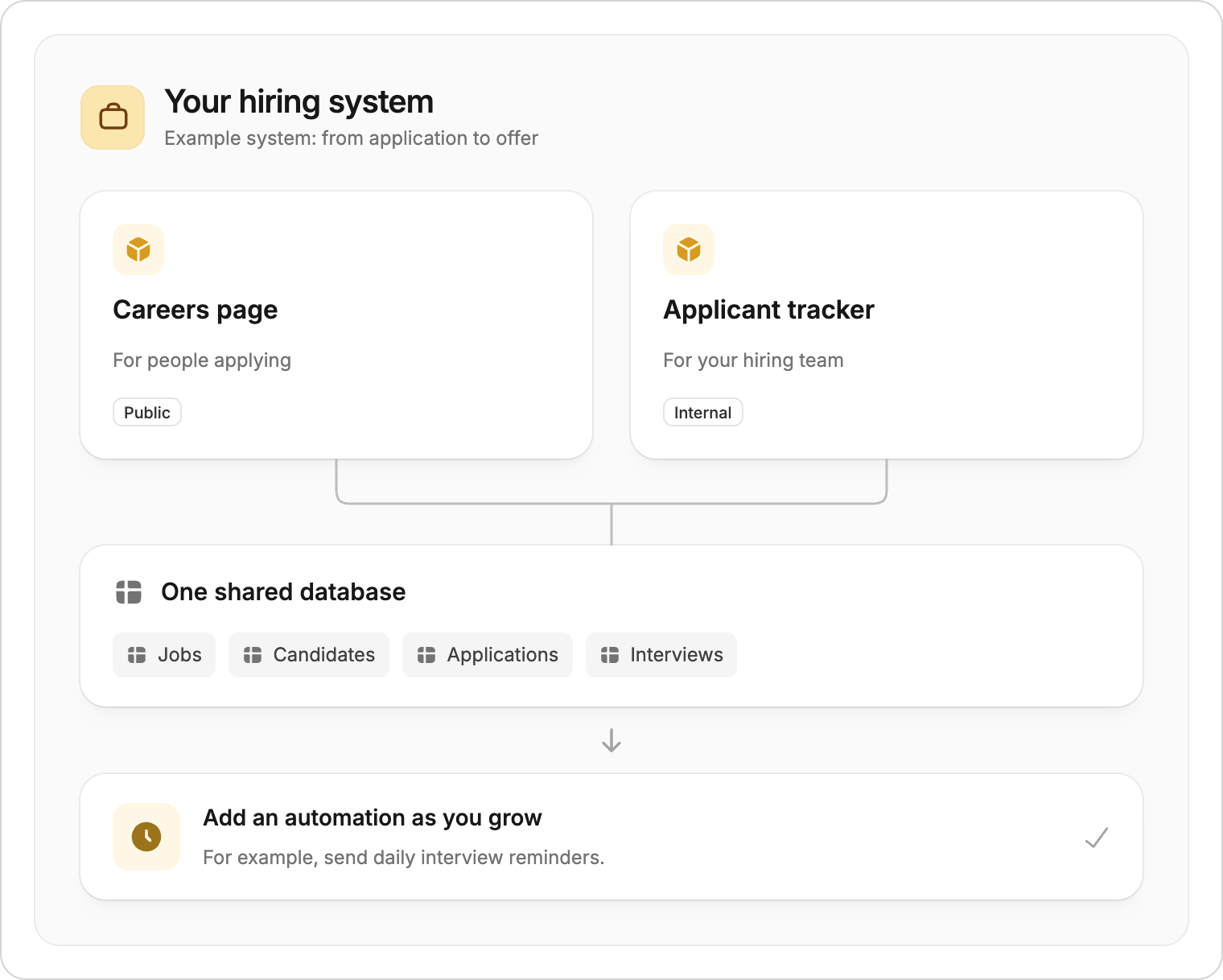
Example system: two apps share a database, with an automation for daily reminders.
- Forms: Collect information and save submissions to a connected database table.
- Automations: Run tasks such as sending a daily reminder or updating a record.
- Integrations: Connect the other tools your team uses.
Start with the data you have
For a new system, you can store records in Zite Database. If you already work in Airtable, you can migrate your data to Zite. Review the imported tables and rebuild or adjust the parts of your process that need to change. You can also keep data in Airtable or Google Sheets and connect it to your system. After connecting, tell Zite which information to display and what users should be able to update.Describe your first version
Tell Zite who the system is for, what information it should track, and what people need to do. For example:Build a hiring system for our team. We need a public careers page where people can browse roles and apply, plus an internal tracker for reviewing applications and scheduling interviews. Applicants should not see other candidates or our team’s notes. Start with sample data.Test the first version with sample data:
- Submit a test application through the careers page.
- Find the application in the internal tracker and check that the details match.
- Change its status, then refresh the page to check that the change was saved.
Build your first system
Watch the Quickstart video and choose a starting point.
Get help from a partner
Find help planning, migrating, or building your business system.