

Publish your app before setting up its link. Both internal and public apps can use a custom domain or a custom Zite subdomain. In the Share menu, Embed, QR code, and the Analytics link are available only for public apps. Changing the address does not change who can access the app or whether they need to sign in.
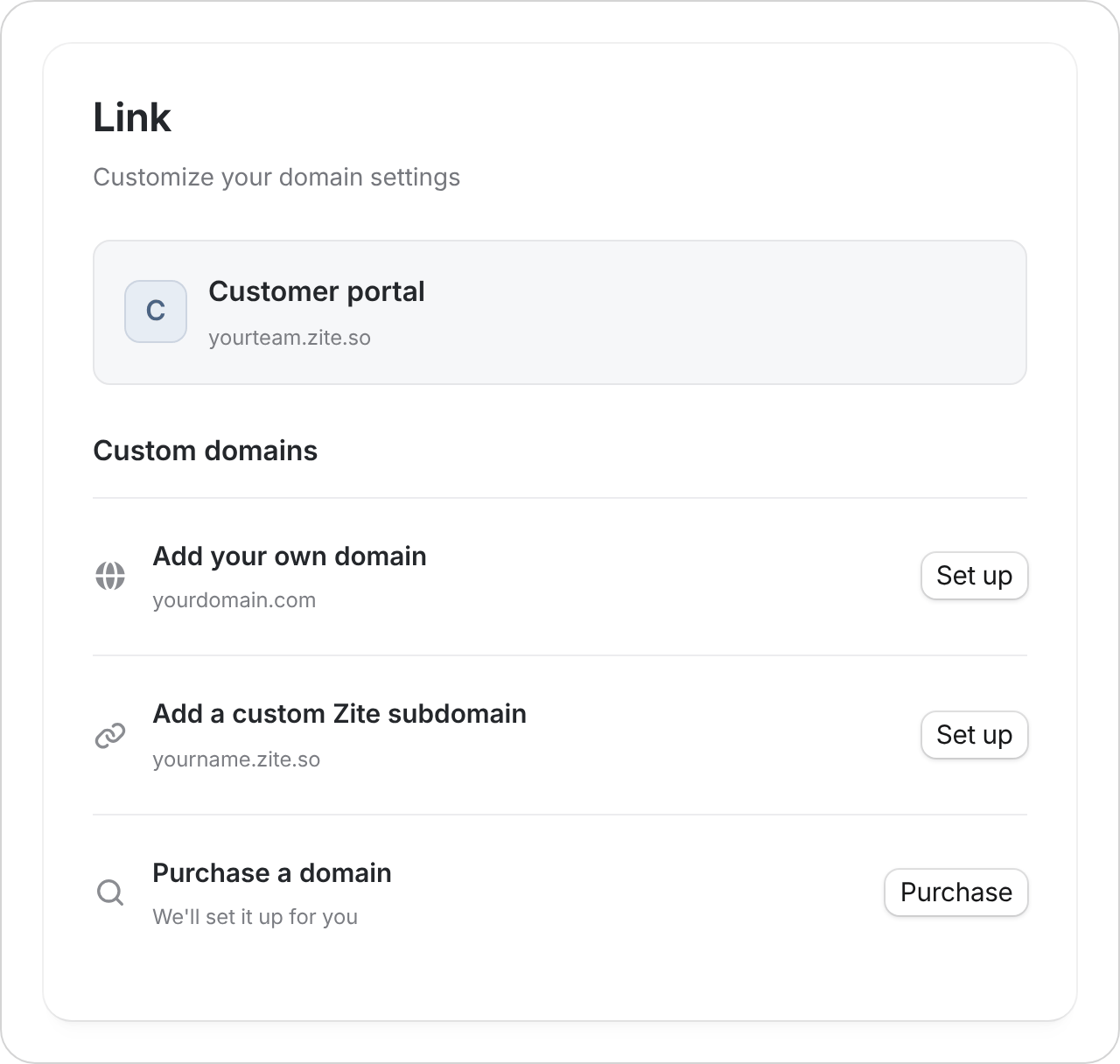
Choose an address
Custom domains and domain purchases depend on your plan. The setup dialog shows your available allowance; see Plans & limits.
Connect a domain you own
- Enter the exact domain or subdomain you want to use.
- Copy the records Zite shows into your domain’s DNS settings. These settings tell browsers where to find your app.
- Return to Zite and select I’ve added the records.
- Leave the setup open while Zite checks for the records automatically, for up to ten minutes. Once the domain is connected, open the address and check that your app loads with the expected sign-in requirements.
Connect GoDaddy
Follow the GoDaddy steps.
Connect Cloudflare
Follow the Cloudflare steps.
Change the shared preview
Open Settings → Branding to edit the Title, Description, Thumbnail, and Favicon. Save your changes, then Publish your app to make them live. These control the app’s browser tab and link preview, rather than its address. See App branding and link previews for the full steps.If your domain isn’t working
Check the status beside each record in Zite’s setup:- Missing records: Add the records Zite shows at the service that manages your domain’s DNS. Check the name and value against the setup instructions.
- Conflicting records: If Zite shows Remove these records, remove only the listed records for the address you are connecting. Leave records for your email and other services in place.
- Records found, connection pending: Zite still needs to finish connecting the domain. This can take a few minutes to a few hours. You can close the dialog and check again later.