

Choose where to start
If you have an app in mind, start with Create an app. If you’d like a working example to customize, browse the Marketplace.
Describe who the app is for and what they need to do.

Import the information you already have, then build an app around it.

Start with a ready-made solution and customize your own copy.
How your workspace fits together
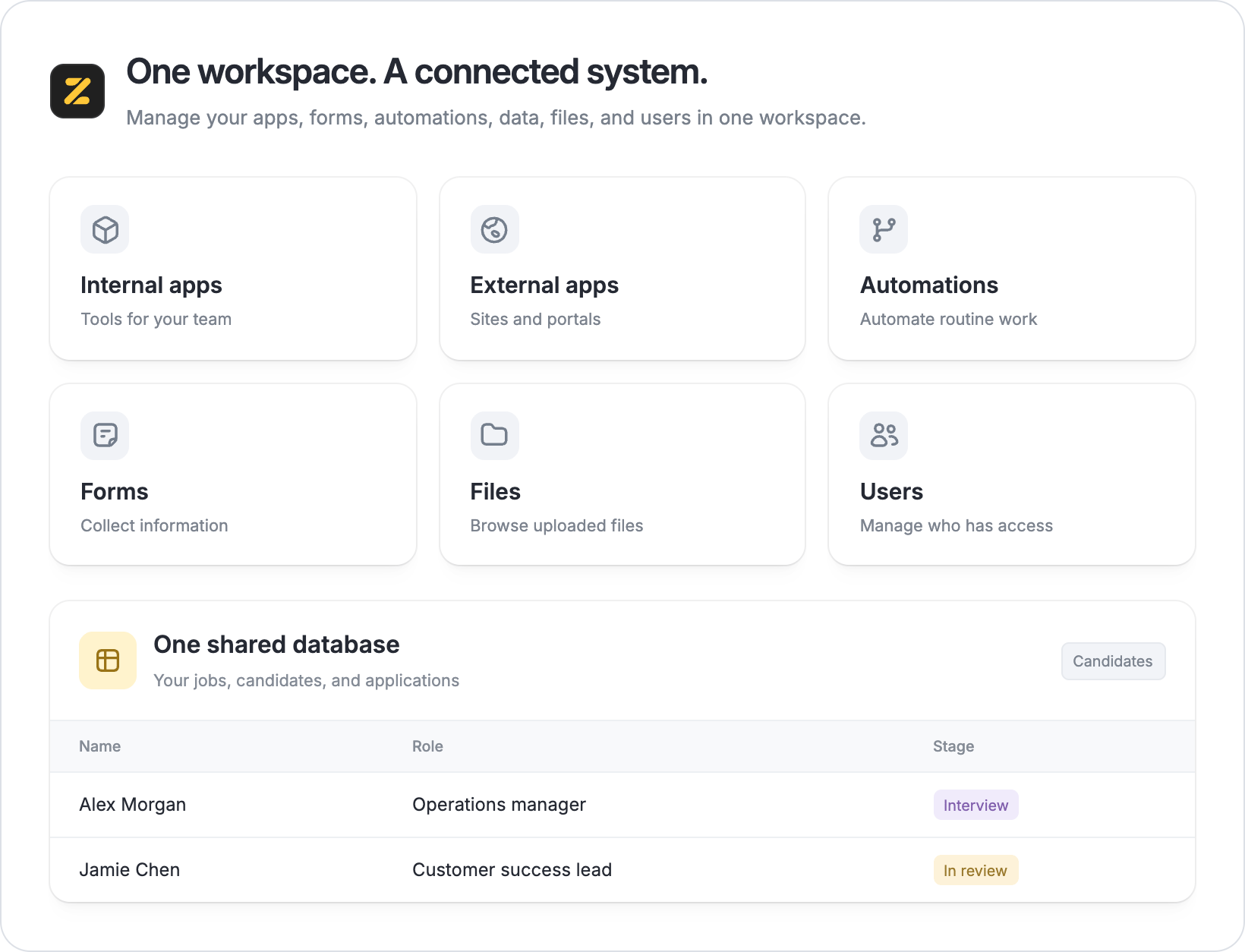
A workspace is the home for your business system. It brings together your database, apps, forms, automations, uploaded files, and the people who use them. For example, a hiring workspace could have:- A database that stores your jobs and candidates.
- An app for your team to review candidates and track interviews.
- A form for applicants to submit their details.
- An automation to send a reminder before an interview.
- Files such as CVs uploaded through the application form.
Describe a useful first version
Start with one task you want to make easier. Tell Zite who will use the system, what information they need, and what they should be able to do. For example:Build a CRM for our sales team. We need to track companies, contacts, and deals. Show deals by stage, let us assign an owner, and keep a next follow-up date for each deal.Try the first version, then ask for specific changes, such as “Add a filter for deals assigned to me.” You can keep refining the system as you use it. If you want someone to build or extend an app for you, hire a Zite Partner.
Decide who will use your app
An app for your team and a portal for your clients need different access settings. Before sharing, decide who should be able to open the app and what information they should see or change. Test the main tasks, such as submitting a form or updating a customer, and check the app’s access settings. Follow the app access guide when you’re ready to share it.Still have questions?
Email us or use the chat bubble in the bottom-right corner of this page.
support@zite.com