

Zite Apps and Fillout Forms are separate products. Check the plan name before making changes. Team bundles can include both products; a paid Forms plan alone doesn’t give you a paid Apps plan.
Change your plan
1
Open billing settings
From inside a workspace, open its name at the top of the sidebar and select All workspaces. On organization home, open the organization name at the top left, then select Settings → Billing & usage. Check that you’re in the organization you want to update.
2
Choose the right subscription
Under Current plans, select Modify for the plan you want to change, or Browse plans to upgrade from Free. Choose your plan, credit allowance, and monthly or annual billing.
3
Review before confirming
Check the amount due, billing frequency, and when the change takes effect. If your plan says Contact support, the Zite team needs to help you change it.
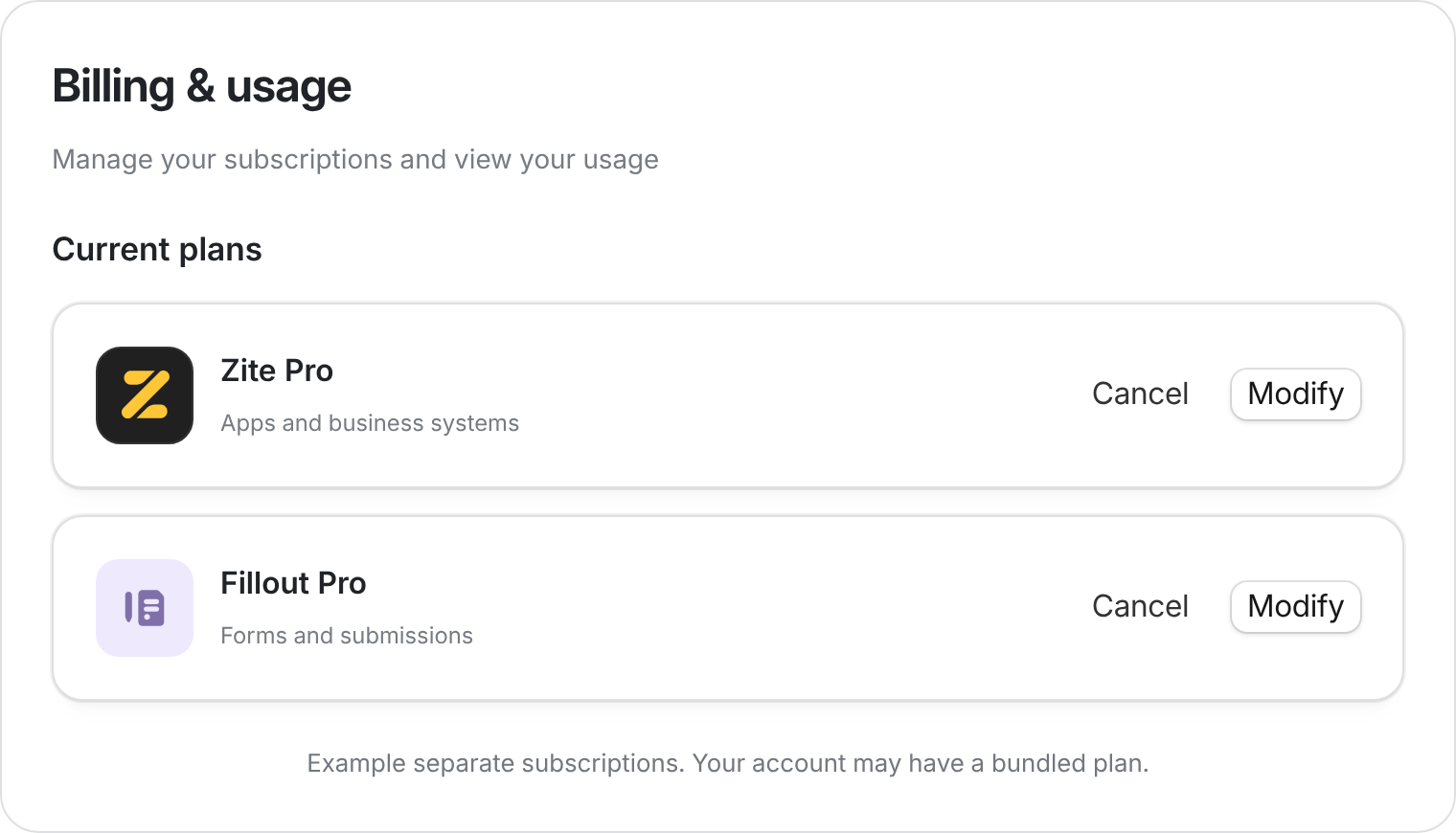
Check the product before you modify or cancel a plan. Example subscriptions shown.
Credit resets and plan changes
For example, if you’ve used 100 of 100 credits and raise your allowance to 200, you have 100 credits left in that period.
Downgrade your plan
Moving to a lower paid plan or fewer credits takes effect at the end of the current billing period. There is no refund for the rest of the period. The confirmation says Your plan will be downgraded to X on your next billing cycle (date). For a credit change, it says Your credits will be adjusted to N on your next billing cycle. Switching from annual to monthly also takes effect on the next billing date. You can undo a scheduled downgrade from the plan card. Moving to Free is canceling: it opens the Cancel [plan] plan dialog. Your plan stays active until the date shown, and apps and databases stay available. See Cancel your Zite plan.Billing & usage
The Usage section shows consumption across your organization:- Credits: AI building and other credit-based actions, with usage by app.
- Workflow runs: tracked separately from credits.
- Workspaces and database limits: the capacity available to your business systems.
- Fillout usage: including form submissions.
Invoices and payment details
In Billing & usage, select View invoices to open your billing history. Use Update card to change your payment method where available. If you can’t find an invoice, check the organization and product first. For managed plans or help removing a payment method, contact support@zite.com.Subscription plans
See current pricing to compare plans and Plans & limits for workspace, record, storage, and workflow allowances. The limits shown in your account may include grandfathered benefits.How credits work
See what uses credits and when they reset.
App Usage
Understand workflow runs and usage limits.
Cancel your plan
Stop renewal and review what changes.
Refund policy
Check eligibility and request a refund.