

Canceling a Zite Apps subscription doesn’t cancel a separate Fillout Forms subscription. If you have a bundled plan, review which products the cancellation affects.
Cancel subscription
1
Find your plan
As an organization admin, return to organization home using the workspace name menu’s All workspaces option. Open the organization name at the top left, then Settings → Billing & usage. Under Current plans, find the subscription you want to cancel.
2
Review what changes
Select Cancel. Review the features and limits you’ll lose, including any grandfathered benefits, then continue to the cancellation confirmation.
3
Confirm cancellation
Complete the requested cancellation details and confirm. Check billing settings for the scheduled end date. If your plan shows Contact support, ask the Zite team to help.
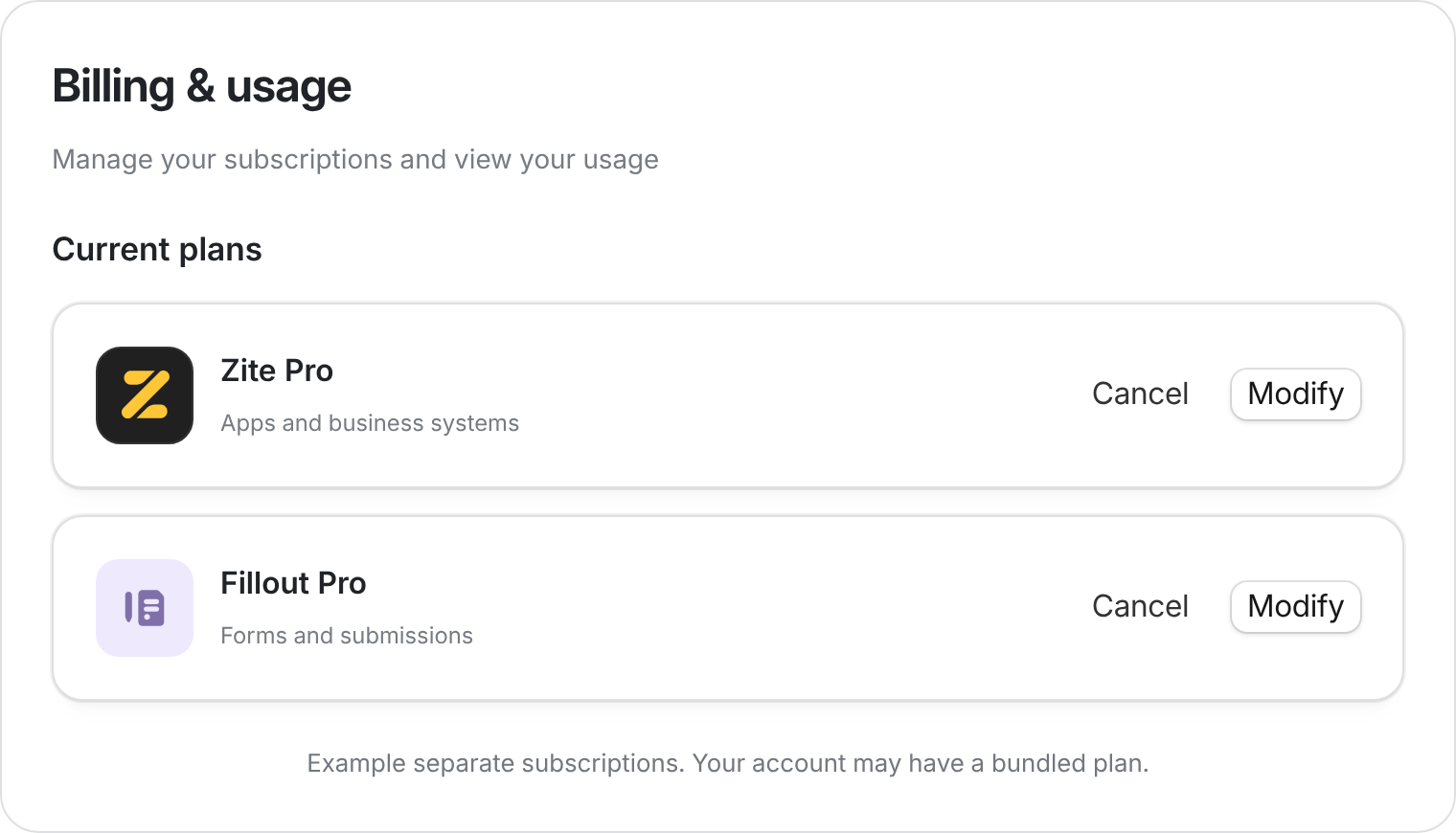
Use Cancel on the subscription you want to stop. Example subscriptions shown.
What happens after cancellation
For example, canceling a monthly plan on March 25 with a renewal date of April 14 leaves it active until April 14. An annual plan stays active until its annual end date.
Before your plan ends
- Check capacity: Free limits may prevent you from adding records or creating workspaces. See Plans & limits.
- Review paid features: check custom domains and other features your team or clients rely on. Domain ownership and using that domain in Zite are separate; ask support about a domain purchased through Zite.
- Use remaining credits: unused monthly credits don’t roll over. Cancellation doesn’t automatically refund a charge.
Canceling isn’t deleting your account
To permanently delete your account and its data, follow the account deletion guide. This is separate from stopping subscription renewal.Need help with a cancellation or scheduled change? Contact support@zite.com.