

Set up the working relationship
Build in the client’s organization
- Have the client create or choose their organization and workspace.
- Ask them to invite you as an editor to the workspace you will build in.
- Connect the appropriate business accounts and agree which data is suitable for testing.
- Build and review the main tasks with the client before publishing.
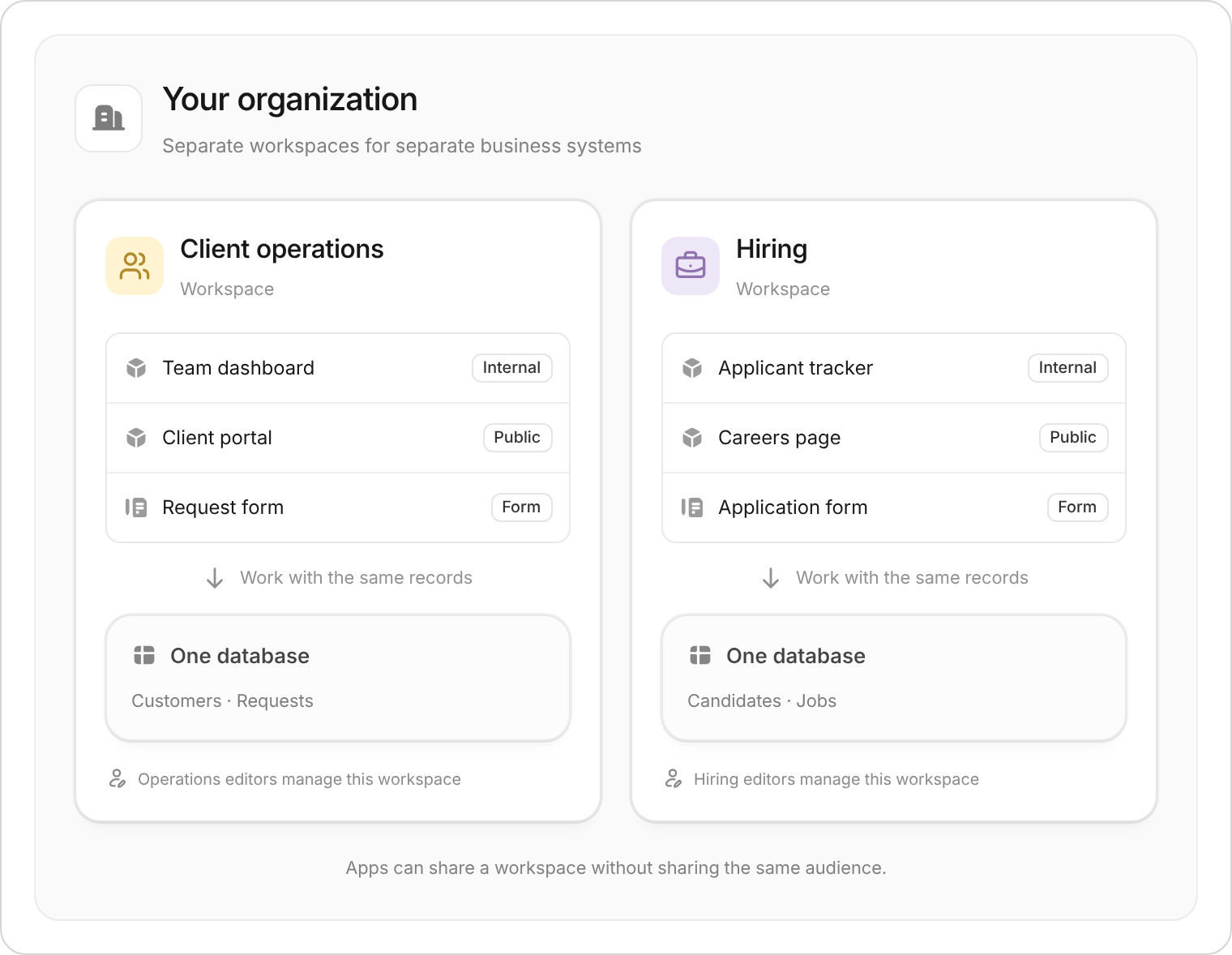
Keep each client's system in the appropriate workspace, with its own data and editors.
If you built it in your organization
Use workspace export and import to create a copy in the client’s organization.- Export the whole workspace, including its apps, forms, and table structure.
- Move data separately: database records and chat history are not included.
- Review connections: choose or reconnect the client’s accounts as required.
- Test and publish the new copy: check its link, login, workflows, and permissions.
Handover checklist
- The client can open and manage the workspace.
- App users have the correct Use access or public-app invitations.
- Two representative users have tested their tasks and record permissions.
- Connected accounts, emails, and scheduled workflows belong to the right business.
- The client knows how to request changes, publish, and restore an app version.
- Both sides agree whether your editing access should remain for ongoing support.