

Open embed settings
Publish your app for external use, then open Share → Advanced → Embed in the editor. Internal apps cannot be embedded through this menu.Embedding does not change who can use the app. If your app requires login, visitors still need to sign in.
Choose an embed type
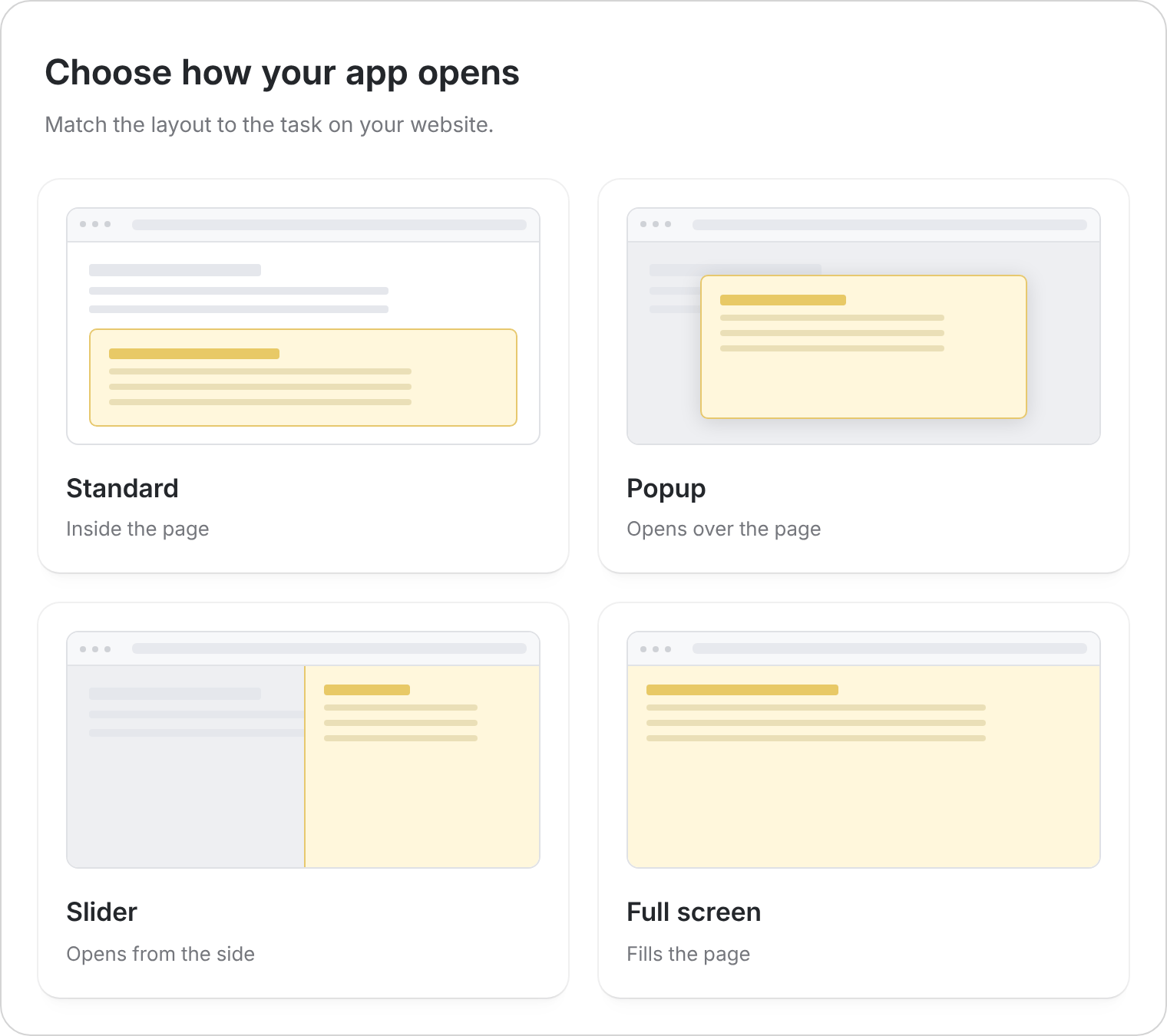
Add it to your website
1
Adjust the layout
Choose the embed type. Set its size and any available button options. For a slider, choose which side it opens from.
2
Check desktop and mobile
Use the preview tabs to check both screen sizes. Make sure the app has enough room for its forms and navigation.
3
Copy the embed
Select Get the code, then paste the supplied embed into your website builder’s embed or custom HTML block. Ask the person who manages your website if you don’t have access.
4
Test on your website
Save the page and try the main task, including login if enabled. Publish future app changes in Zite to update the version visitors use.
If the embed doesn’t appear
- Open the published app link directly to check that it works.
- Confirm your website builder supports embedded apps and that the embed block is visible.
- Check the embed’s height and width if content is cut off.
- Test the published website as a visitor, rather than relying only on its editing preview.