

The parts behind AI coding
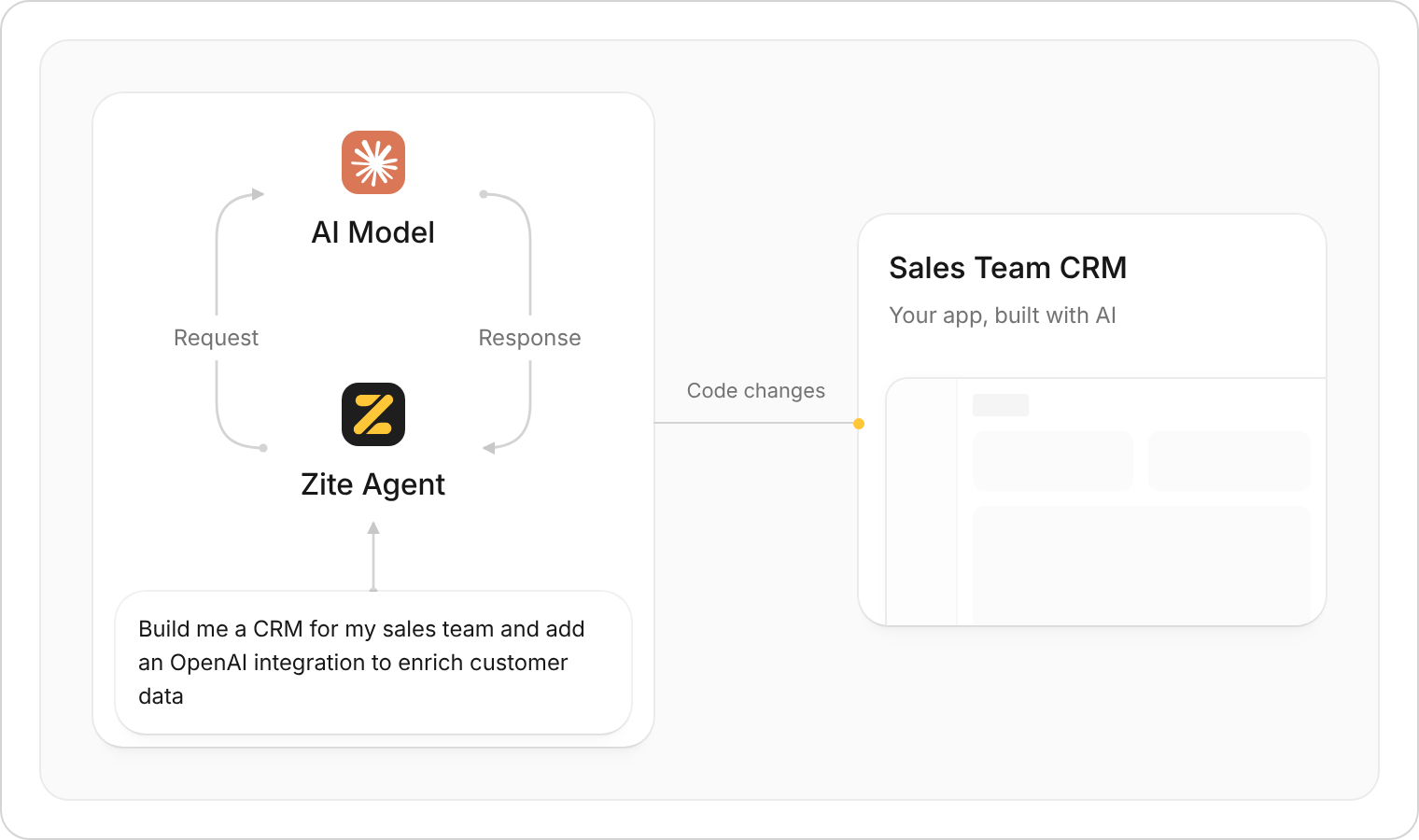
The model and agent exchange requests and responses. Shown here with Zite building a sales CRM.
These parts can come from different providers. An AI builder may use another company’s model and provide its own tools and infrastructure.
How one request becomes a working feature
For a request like “Add a follow-up date to our sales CRM,” the loop might look like this:- Inspect: The agent sends relevant information to the model and uses tools to look up anything else it needs.
- Change: The model proposes changes, and the agent applies them through its tools.
- Check: Results or errors go back to the model to guide the next step.
What the model can see
Context is the information supplied with a model request. It can include:- Instructions: Your request and the builder’s guidance.
- Project details: Selected files, database details, and available tools.
- References: Documents, screenshots, and relevant conversation history.
- Results: What happened during earlier actions and checks.
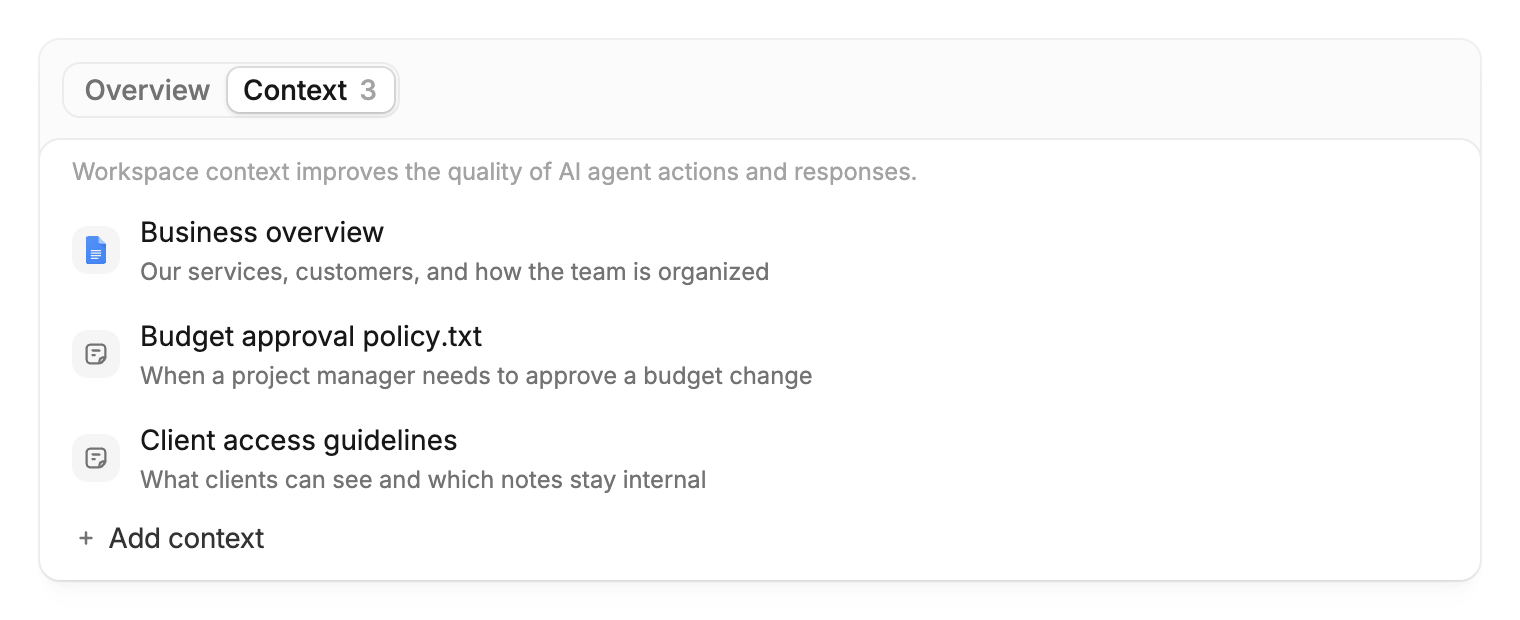
Example workspace context: a business overview in Google Docs, a text file with budget rules, and a note about client access.
What runs the finished system?
Once published, your business system relies on:- Hosting: Computers that serve its pages and carry out operations.
- A database: Storage for contacts, projects, orders, and other records.
- Connected services: Extra capabilities, such as sending emails or summarizing documents with AI.