

This is an Enterprise control. Contact sales if it is not enabled for your organization. Admins can always create items.
Set organization defaults
- From inside a workspace, open its name at the top of the sidebar and select All workspaces. On organization home, open the organization name at the top left, then select Settings → Groups.
- Select All users → Advanced.
- Under Users in the organization can create…, choose Apps, Forms, and Workspaces.
- Select Save.
Allow a group to create
Open the group, select Advanced, and turn on the items its members should be allowed to create. Save your changes.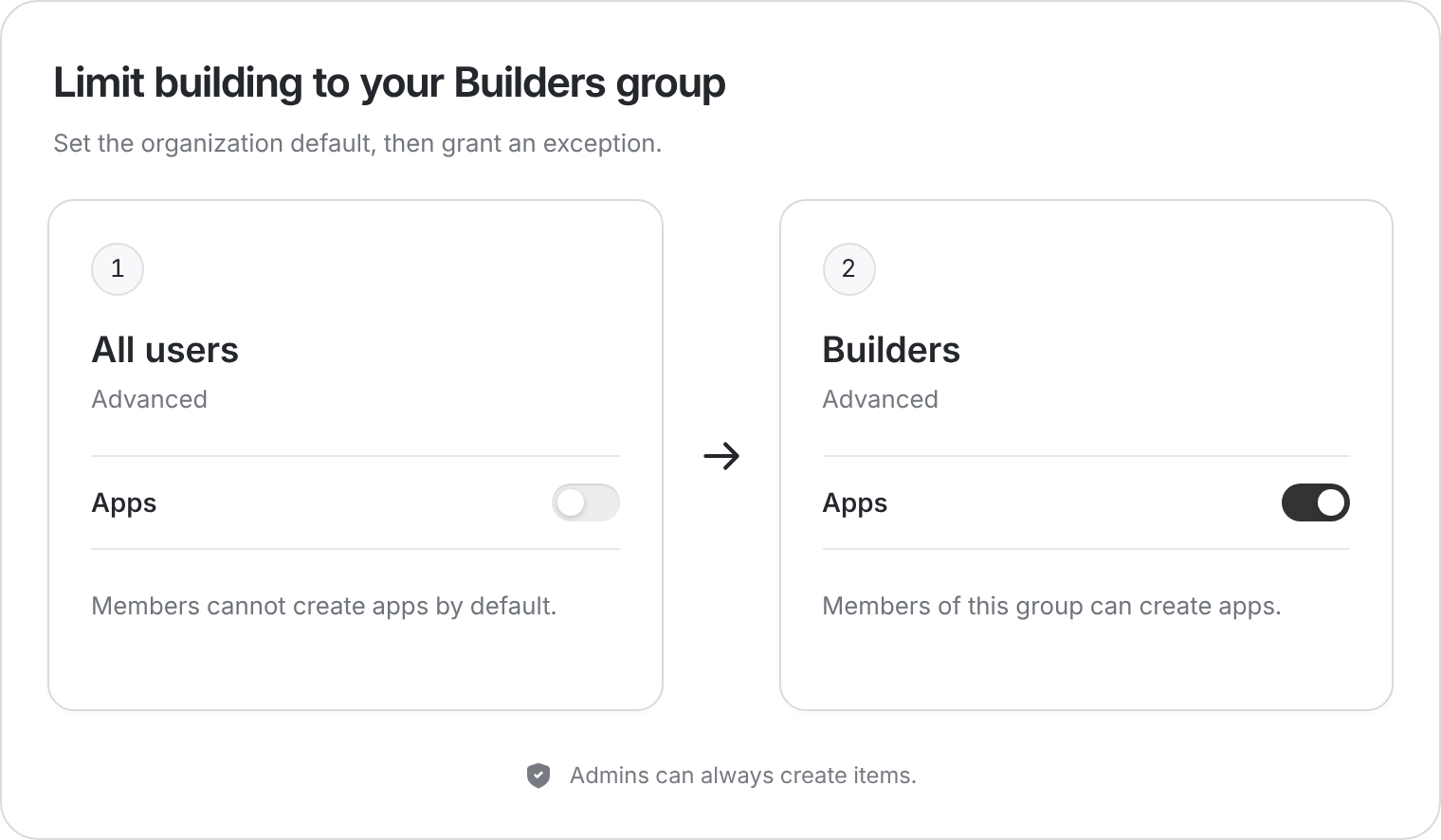
To limit app creation to Builders, switch it off for All users and on for that group.
How the settings combine
Groups can grant permission, but cannot take it away. If an item is already allowed organization-wide, its group toggle is locked on. Existing group grants still matter if you later restrict the organization default.