

When to use Chat mode
- Understand how a page, workflow, or setting works
- Ask why something is behaving a certain way
- Explore improvement ideas before committing to changes
- Get options for a future feature or workflow
Chat mode uses Zite Max. It still consumes credits, but it generally uses fewer than Build mode because it focuses on analyzing and explaining.
1
Switch to Chat mode
Click the 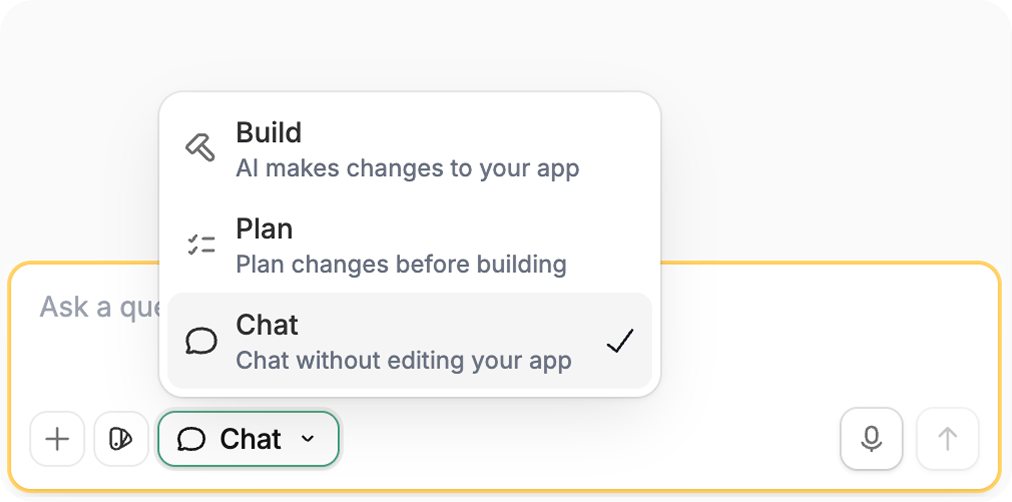
Mode control and choose Chat, or press Shift + Tab until you reach Chat mode.2
Ask your question
Enter your question in the chat box. Chat mode can inspect and explain your app, but it cannot make changes. For example:
- “Review the customer onboarding workflow. What happens after a manager approves a new account, and where could it fail?”
- “Look at the Orders table and explain which fields we would need to support partial refunds.”
- “Suggest three improvements that would help an account manager find overdue renewals on this dashboard.”