

Choose the right mode
Auto and Build can both change apps and data. Build doesn’t ask before every edit. Auto still pauses when it needs your input, such as connecting an account, creating an app, or answering a question.
Switching modes
In the editor, select the current mode below the chat box, then choose Auto, Build, Plan, or Chat.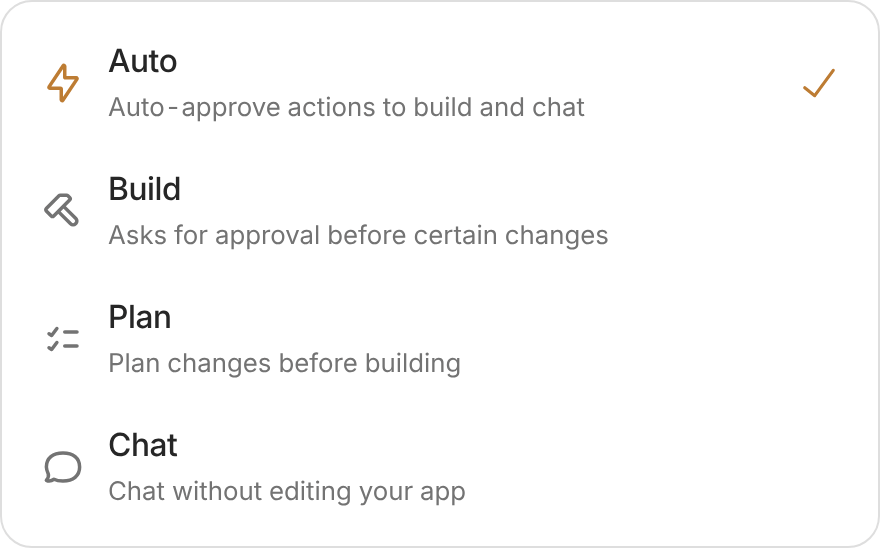
Choose a mode from the menu below the chat box.
- Default: Auto, unless you’ve chosen Build for that workspace in this browser.
- Shortcut: In the chat box, Shift + Tab cycles through Auto, Build, Plan, and Chat.
- Starting from home: Turn on Plan first in the creation box to review a plan before building.
Mode and model are different. The mode controls how Zite works. The AI model affects speed, capability, and credit cost.